Guides
- measure room with phone
- measure room with iphone
- room dimensions
- iphone lidar
- measure app
How to Measure a Room With Your Phone: Tape, Measure App or Noughty Reality
Tape measure, Apple's Measure app or Noughty Reality: how each one measures a room, how accurate it is, and which gives you a full floor plan in one walk.

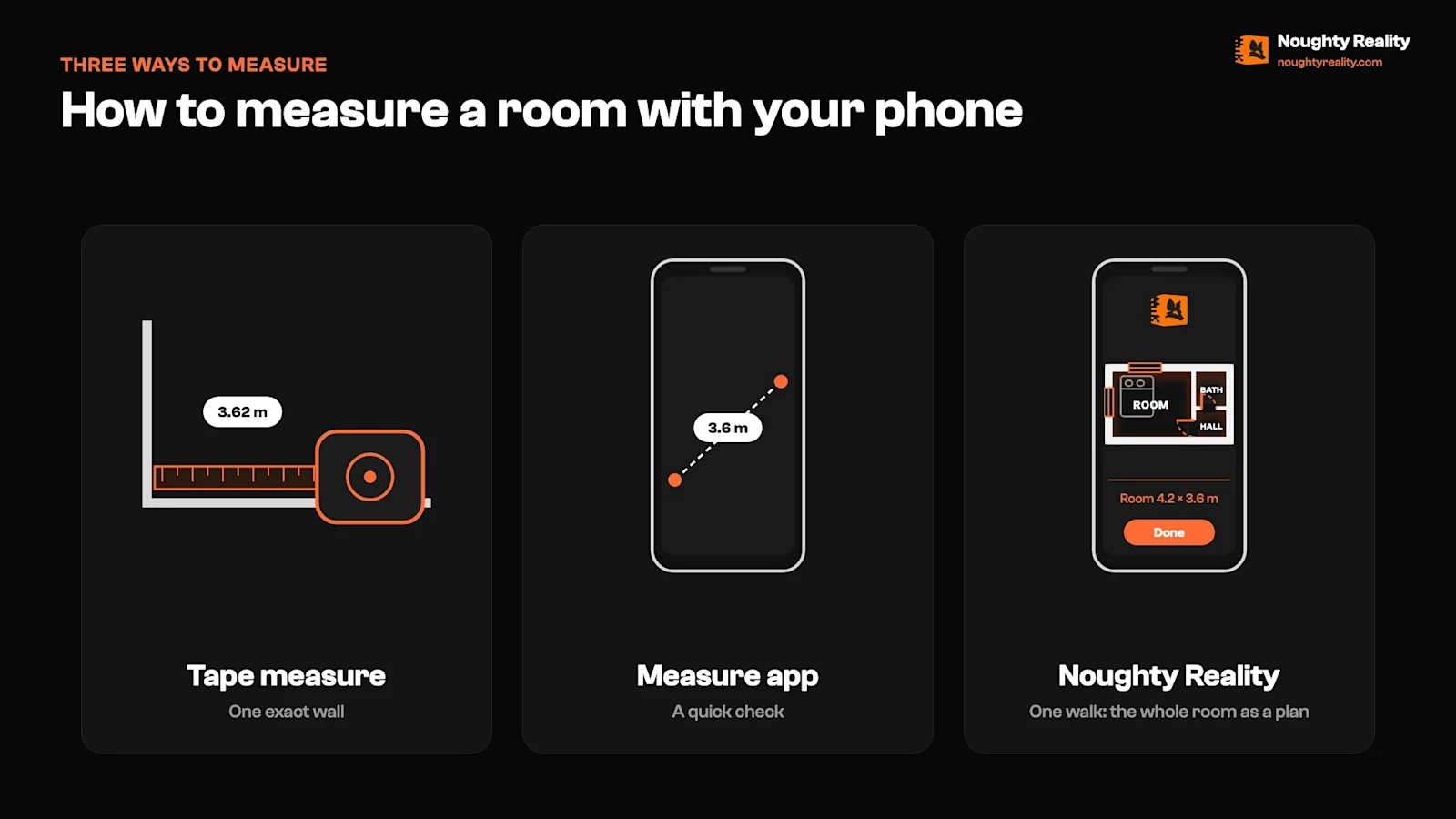
If you need to measure a room with your phone, you've really got three options: a tape measure (or a laser one), Apple's Measure app, or Noughty Reality. I use all three, just not for the same jobs.
A tape is still the most precise way to get one wall right. The Measure app is handy when you want a rough number in ten seconds. And when you need the whole room, or the whole flat, measured and drawn as a floor plan, that's what we built Noughty Reality for: you walk through once with your iPhone and get the plan.
So the real question is what you need: one number, one room, or every room. Here's how each option works, where people usually slip up, and which one to pick.
What do you actually need to measure?
It sounds obvious, but work out what the number is for before you pick up anything. That's what decides the method.
Buying flooring, checking rent per square metre or comparing two apartments? You need floor area: the length and width of the floor, plus any alcoves.
Ordering a kitchen, a wardrobe or a sofa? You need the length of one wall, and you need it exact.
Painting or wallpapering? You need wall area: wall lengths, the ceiling height, and the windows and doors you'll subtract.
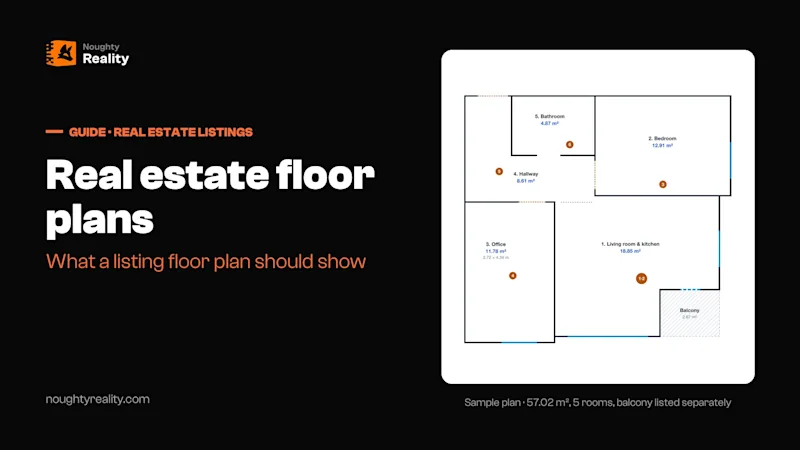
Making a listing, planning a renovation or preparing for an inspection? You need the whole layout, meaning every room and how they connect.
Method 1: Tape measure or laser measure
For a single wall, this is still the reference everything else gets compared to. A laser measure does the same job, it's just quicker, and you don't need someone holding the other end.
Here's how I'd do it:
Sketch the room roughly on paper first and mark each wall, so every number lands in the right place.
Measure each wall at floor level, along the skirting board, from corner to corner.
Measure the ceiling height in one corner.
If you need wall area, measure every window and door too.
Write each number on the sketch straight away. You won't remember it later, trust me.
Most mistakes are small ones that pile up. People measure over the sofa instead of along the wall, let the tape sag across a long wall, or round every wall the same way so the error adds up. Switching between feet and metres from one room to the next doesn't help either.
Use it for one exact wall, flooring for a single room, or fitted furniture. For a whole home it gets painful fast. It's slow, long walls really need two people, and at the end you have a sketch with numbers on it, not a floor plan.
Method 2: Apple's Measure app
Every recent iPhone comes with the Measure app. It uses the camera (and the LiDAR sensor, if your phone has one) to drop points in the room and measure between them.
Open Measure and move the phone slowly until it picks up the surface.
Point the dot at the start of the wall and tap +.
Walk to the other end and tap + again. The length shows up on screen.
Tap the number to see it in detail or copy it. A screenshot is the easiest way to keep it.
It does have weak spots. Plain white walls and dim light give the phone very little to track, so points drift. The longer the distance, the bigger the error. Moving too fast between points throws it off as well. And every measurement stands on its own: you get a pile of separate numbers, and nothing joins them up into a room.
I'd use it for a quick check at a viewing: will this doorway fit the fridge, is that wall long enough for the bed. I wouldn't use it for the floor area of a room with alcoves, or for anything you're about to sign. Even Apple calls the results approximate.
Method 3: Noughty Reality
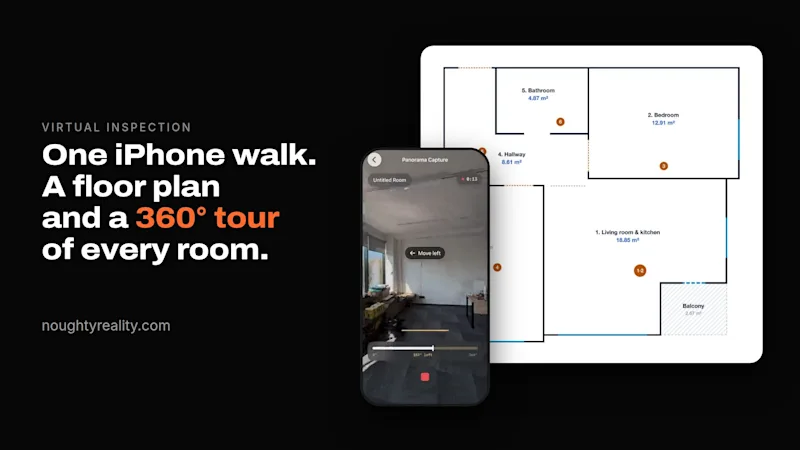
Noughty Reality measures the whole room while you walk around it, and then the next room, and the next. It uses the LiDAR sensor in your iPhone, which sends out light pulses and reads how far away each wall is. You don't tap points or write anything down. At the end you have a floor plan with the length of every wall, the area of every room, the windows and doors, and a 360° tour where every panorama sits on the plan.
You'll need an iPhone with a LiDAR sensor, which means the Pro models from the iPhone 12 Pro onward.
Get the room ready. Lights on, the floor along the walls cleared, and doors closed to rooms you're not scanning.
Start the scan and walk slowly along the walls, phone at chest height, pointed at the walls rather than at the floor.
Pause for a second at every corner, and go slowly past doors and windows.
Finish where you started, and check the outline on screen before you leave the room.
Move on to the next room. The plan builds up one room at a time, and the rooms join up into the whole home.
A few things can still trip a scan up. Mirrors and glass are the classic one: the sensor sees into them or through them. Stuff piled against a wall gets read as part of the wall. And rushing, or scanning from the doorway without walking in, gives you a sloppy outline. All of these are easy to avoid once you know about them.
How accurate is it? In our own scans, results are within about 5% of a tape measure, and most rooms are within 2%. That's plenty for flooring, furniture, a listing or comparing apartments. It isn't a certified measurement, though, so don't use it for a valuation or a legal document.
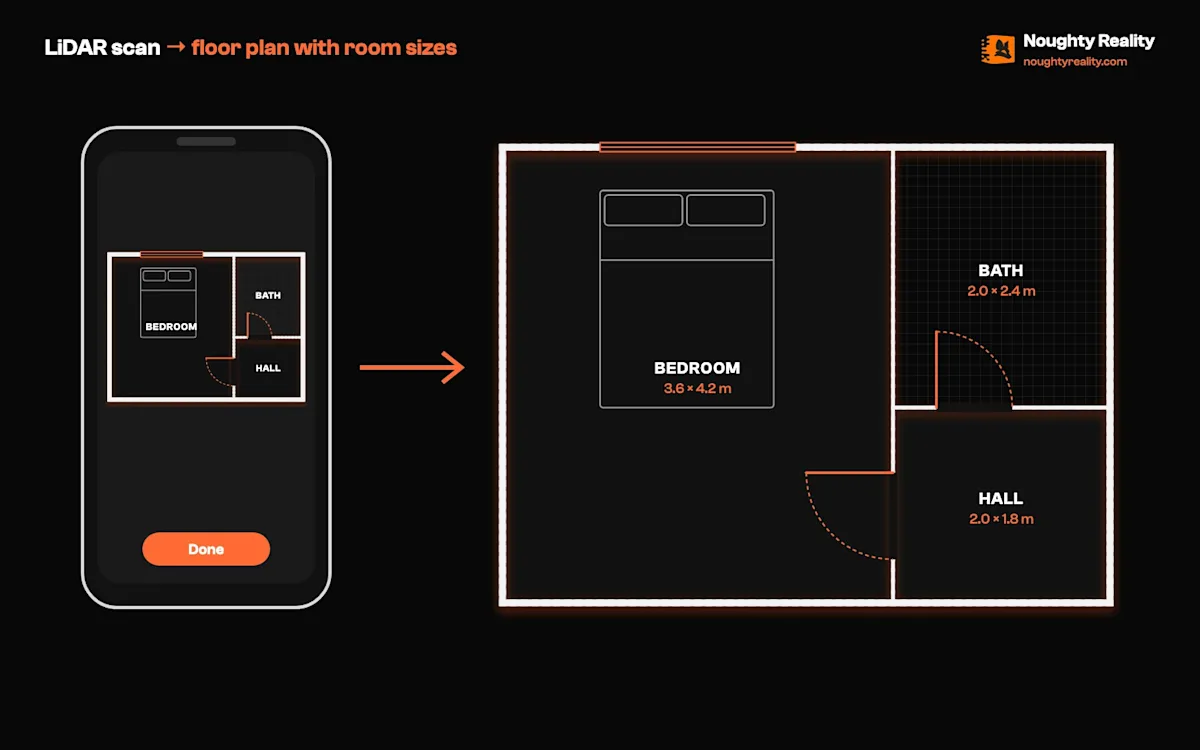
Tape vs Measure app vs Noughty Reality
Tape or laser | Measure app | Noughty Reality | |
|---|---|---|---|
What you get | Numbers on a sketch | One distance at a time | Floor plan with every room's area, plus a 360° tour |
A whole home | Slow, and you draw the plan yourself | Not really possible | One walk through |
Room area | You calculate it | You calculate it | Already on the plan |
Accuracy | Best for a single wall | Approximate | Within about 5%, most rooms within 2% |
People needed | Two for long walls | One | One |
Phone | None | Any recent iPhone | iPhone 12 Pro or newer Pro |
Which method should you use?
If you only need one wall or one piece of furniture, the Measure app is fine for a quick check. If you're ordering something made to size, use a tape.
For flooring or paint in one room, a tape and a sketch will do. If the room has alcoves or strange angles, Noughty Reality saves you a lot of fiddling with rectangles.
For a whole home, there isn't much of a contest. Measuring every wall with a tape takes far longer, and you still have to draw the plan yourself afterwards. With Noughty Reality you walk through once and get the finished plan, with every room's area already worked out.
And if it's for anything legal or a valuation, get a professional to do a certified measurement.
How to turn measurements into area
If you measured with a tape or the Measure app, you'll need to do a bit of maths. For a rectangular room it's just length × width. A room that's 4 m by 3 m is 12 m².
An L-shaped room takes one extra step. Split it into two rectangles, measure each one, and add the two areas together. Alcoves work the same way: each one is just another small rectangle.
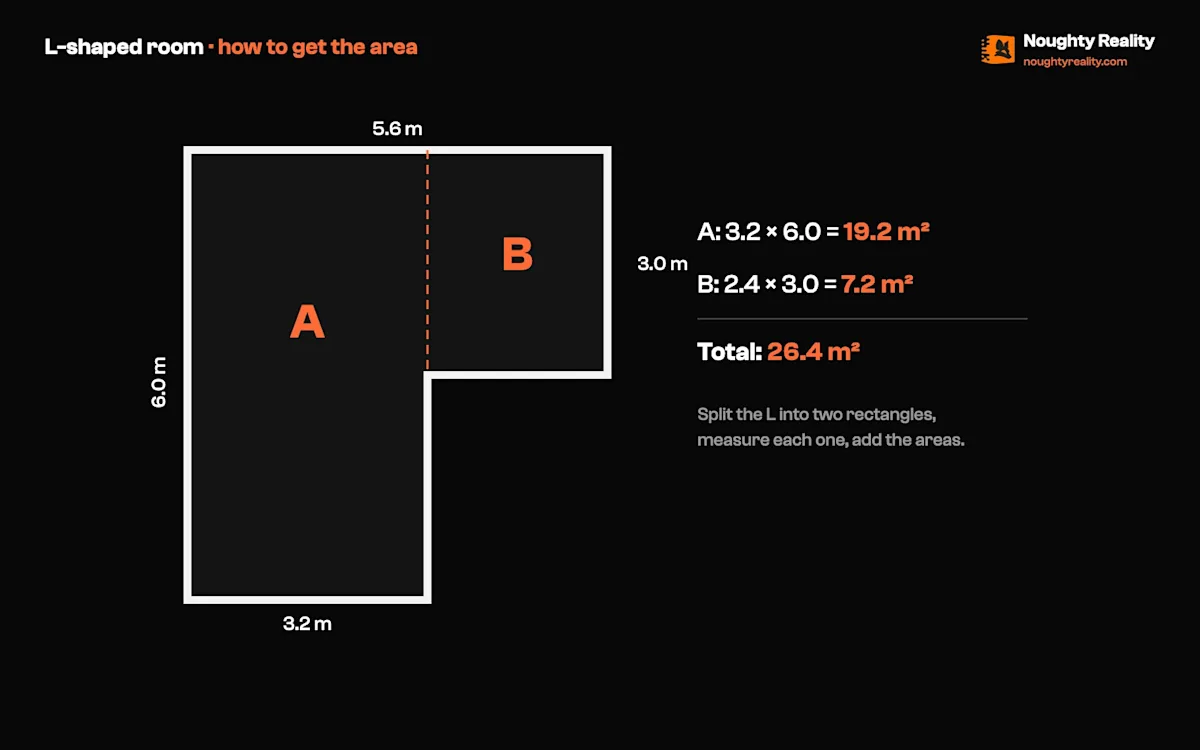
For wall area, multiply each wall's length by the ceiling height, then take away the windows and doors.
Two things change the final number more than most people expect. The first is where you measure from. Area measured to the inside of the walls is smaller than area measured to the outside, and listings and appraisals don't always use the same one. The second is what you count. Built-in wardrobes, balconies and the space under a sloped ceiling may or may not be included, depending on who's asking.
With Noughty Reality you can skip this part: every room's area is already on the plan. If you're using a tape, write down every rectangle so you can check the total later.
Common mistakes
These are the ones I see again and again:
measuring over furniture instead of along the wall;
forgetting the small bits, like hallways, built-in wardrobes and the space behind a door;
using one ceiling height for a room where the ceiling slopes or drops;
mixing units between rooms;
trusting a single number. If money depends on it, measure the key wall twice, or check your scan against a tape on one wall.
Want to see what one walk through a home looks like? Here's a sample Noughty Reality tour.